Majestic Lights Photoshop Action 2125679
This post was published 8 years ago. Download links are most likely obsolete. If that's the case, try asking the uploader to re-upload.
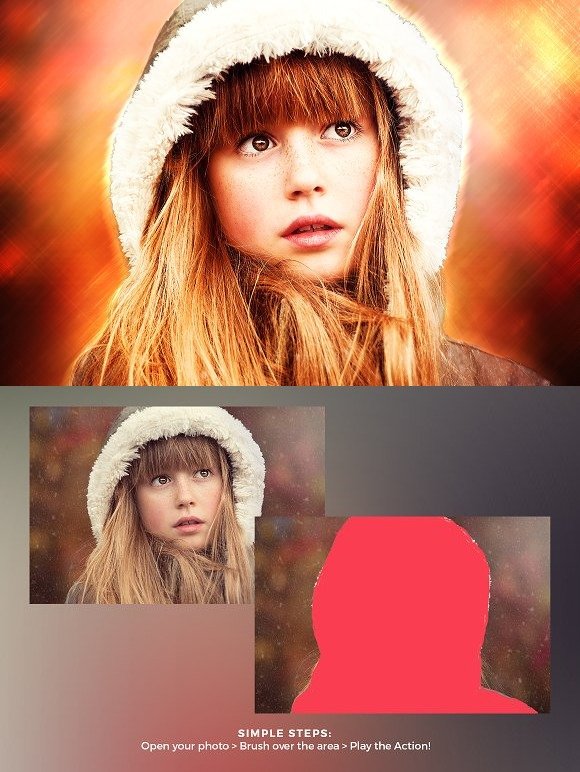
ATN | JPG Image | CS5.5+ | RAR 7,6 MB
Open Photoshop and open the Actions panel, if you cannot see it by default on the right side of the Photoshop interface, click "Window Actions" to show it.
On the Actions window, click the coner icon on the top right to show a drop-down menu, then click "Load Actions...". Locate the "Majestic Lights.atn" on your filesystem.
"Majestic Lights.atn" wil now appear on your Actions panel.
How to use the Action
Open the photo you wish to apply the action on.
Make sure that the photo layer is locked and set as "Background". Newly opened photos are set as "Background" and locked as default. If the opened photo is not, set it by clicking "Layer New Background from Layer".
Create a new layer on top of of the "Background layer", named it "brush". All letters must be lowercase for the action to work properly.
Select the "brush" layer, then brush the areas of the image you want the effect to be applied.
Quick check before we show the links
Helps us keep automated scrapers from hammering the filehosts.