Windows 7 Lock Screen Changer 1.7 Final
This post was published 9 years ago. Download links are most likely obsolete. If that's the case, try asking the uploader to re-upload.
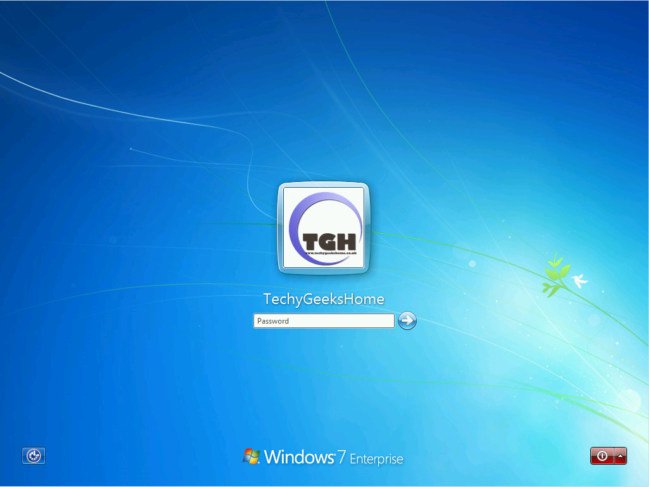
Windows 7 Lock Screen Changer 1.7 Final | 5 Mb
Windows 7 Lock Screen Changer is a small standalone utility designed to change your lock screen easily and quickly to a custom image of your own choosing.With this utility, you can import your own custom JPG image into the tool, preview the image to ensure you have chosen the correct one that you want to use and then apply it to be your new Windows Lock Screen.
Windows 7 is a popular operating system due to its intuitive UI (user interface), multitude of features and increased security compared to the previous Windows editions.
Nonetheless, users are constantly looking for more customization options within any OS they work with, and some of them might find Windows 7 Lock Screen Changer useful.
Replace the image on your lock screen
It needs to be mentioned from the get-go that the lock screen image is different than your desktop wallpaper and that you only see it when you lock your screen or you restart your PC.
As suggested by its name, the application works only with Windows 7 computers, so you should not try to customize your lock screen image if you are running a different operating system as it will not work.
Also, it is best to run the utility with administrative privileges, just to make sure no errors will be triggered.
Preview the new lock screen image on the spot
The application comes with a minimalistic interface so that even novices can browse to the picture they want to use as their lock screen and apply it. However, you need to make sure that the graphic file you select meets some standards, as only JPEG images are supported, with a small size.
Once you have located the pic you prefer, you can preview it within Windows 7 Lock Screen Changer and apply it - if you do not want to restart your PC just to get a glimpse of the new image, you can simply lock your computer (press Ctrl+Alt+Del).
FUTURE RELEASES
In future releases we have a few ideas, but are always willing to welcome ideas. At the moment we will be looking into:
Windows 8 Lock Screen Changer
Correct format auto configuration
Correct size auto configuration