Emby Server 3.2.60.0
This post was published 8 years ago. Download links are most likely obsolete. If that's the case, try asking the uploader to re-upload.
File Size: 151.5 Mb
Previously known as Media Browser Server, Emby Server facilitates the communication and data transfer between your PC and DLNA-compliant devices in your network, enabling you to enjoy videos, music and photos on any platform.
Stream multimedia content over a network
With its help, you can stream multimedia content to a compatible device that has a dedicated client installed, such as Emby Theater, Media Browser Classic or XBMC (now known as Kodi), which require an API key in order to initiate the connection.
Furthermore, the developers provide media clients or plugins for Roku, Samsung Smart TVs and MediaPortal, allowing fast access to the media library. And thanks to the available mobile apps for devices running on iOS, Android, Windows Phone or Windows 8, you can pick up exactly where you left off, regardless of your location.
Effortlessly organize your media library
The server offers a secure and comfortable way to organize and manage your multimedia library, as well as keep an eye on the initiated connections. Moreover, it takes care of the file transfers and the transcoding process, ensuring compatibility with the target device without requiring prior conversion.
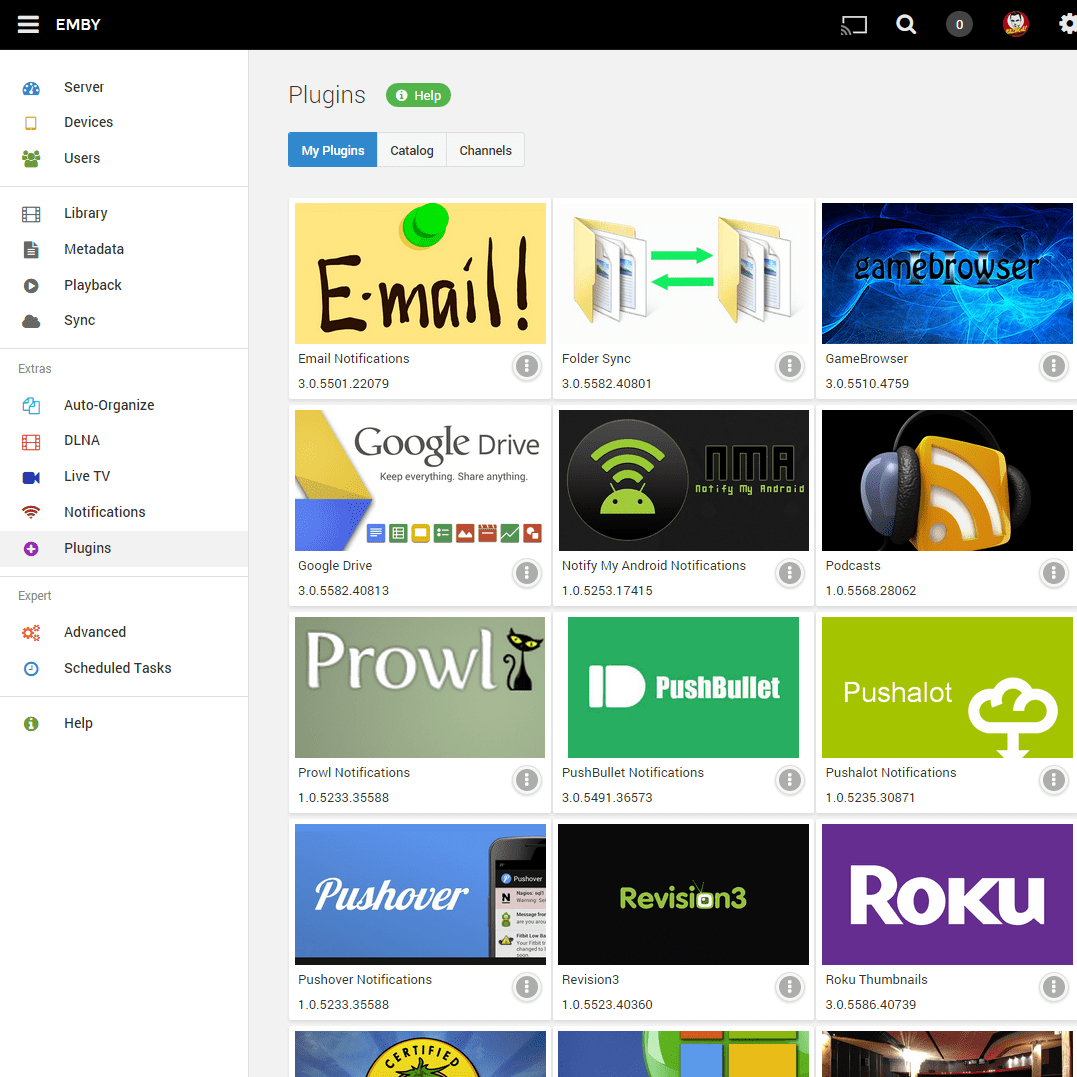
Media Browser Server features a web-based interface that requires any modern web browser to run. From the dashboard, you can easily change the server configuration, create and manage users, add media to the library and delete existing files, download and attach subtitles, artwork and metadata information to the media folders, extract chapter images and many more.
Allows media sharing and streaming
Media Browser Server allows media file sharing and streaming between multiple devices and platforms. It is a UPnP media server that allows data sharing over the network, without requiring advanced configuration.
Thanks to the path substitution technology, clients can be allowed direct access to the server, which facilitates direct playback, without additional resource usage to transcode content.
FEATURES
Your Media on Any Device:
• Emby Server automatically converts and streams your personal media on the fly to play on any device.
Easy Access:
• Emby Connect makes it easy to enjoy your personal media while away from home. Just sign in and play.
Live TV:
• Stream Live TV to any device, manage your DVR, and enjoy your library of recordings.
Mobile Sync:
• Sync your personal media to smart phones and tablets for easy offline access. Automatically sync new content as you add it.
Beautiful Displays:
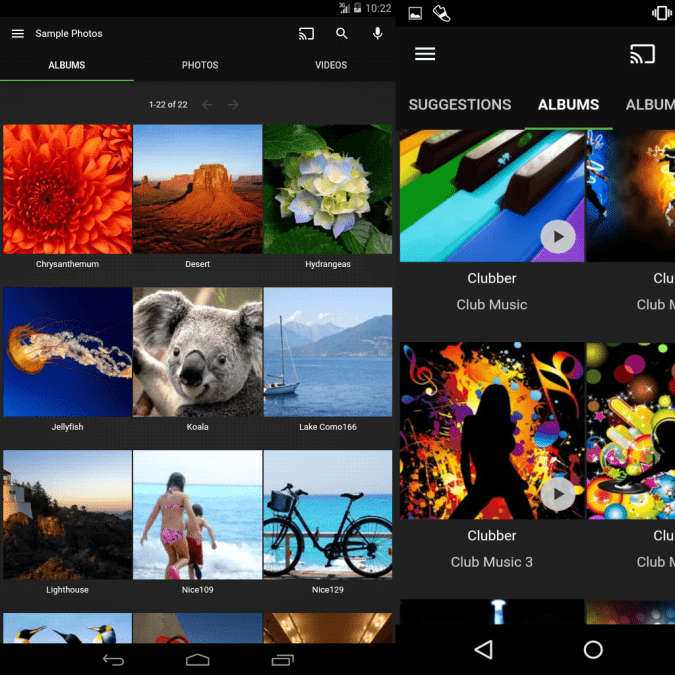
• Emby organizes your content into easy and elegant presentations. Your personal media will never look the same.
Manage Your Media:
• Easy web-based tools help you edit metadata and images, search for subtitles, and more.
Manage Your Home:
• Easily control content access for your children. Monitor and remote control their sessions as you need to.
Parental Controls:
• Specify parental restrictions for your children, create access schedules, time limits, and more.
Easy DLNA:
• Emby automatically detects Dlna devices on your network so that you can easily send content, remote control, and more.
Chromecast:
• Send videos, music, photos, and Live TV to Chromecast with ease.
Cloud Sync:
• Sync your personal media to the cloud for easy backup, archiving, and converting. Store your content in multiple resolutions to enable direct streaming from any device.
Screenshots

What's new in version 3.2.60.0
• Improve automatic home screen refreshing
• Improve xmltv .gz support
• Support de-interlacing with vaapi
• Support provider id's contained in xmltv data
• Speed up dlna server disposal
• Remove live stream probe to improve start time
• Restore windows network browsing
• Restore windows sleep prevention
• Clean up LoaderException from log file under Linux and MacOS
• Fix music transcoding for iOS
• Improve direct play of active live tv recordings
• Improve LG Dlna direct play
• Fix initial audio stream selection in certain direct play situations
• Improve live tv playback performance with external live tv services
• Improve tvdb lookup by imdb id
• Show favorite collections and playlists
SYSTEM REQUIREMENTS
• Intel Core 2 Duo processor 1.6 GHz or better
• At least 1GB RAM
• An ADSL/Cable/WiFi Internet connection for media metadata and software updates
• Uncongested, strong signal Wi-Fi network 802.11n OR
• Wired megabit network
• .NET FRAMEWORK 4.6.2
OS: Windows Vista / 7 / 8 / 10 (32/64-bit)
Homepage
Quick check before we show the links
Helps us keep automated scrapers from hammering the filehosts.