Windows 10 Fall Creators Update Essential Training
This post was published 8 years ago. Download links are most likely obsolete. If that's the case, try asking the uploader to re-upload.
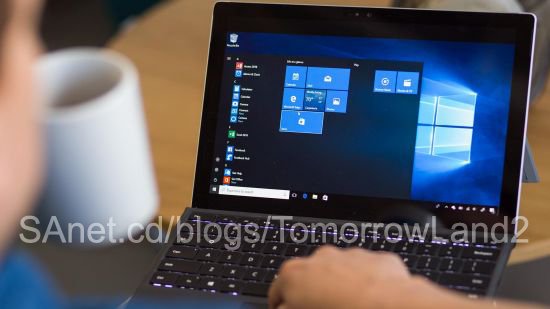

Duration: 5h 40m | Video: h264, 1280x720 | Audio: AAC, 44100 Hz, 2 Ch | 0.9 GB
Genre: eLearning | Language: English | Skill Level: Beginner
Learn the essentials of the Windows operating system, including the new features in Windows 10 Fall Creators Update. Nick Brazzi shows how to use core bundled apps that come with Windows 10, manage files and folders, browse the web, and work with mail, calendar, and contacts. Want to customize Windows 10? Learn how to find and install new apps from the Windows Store, and adjust your display preferences and account settings so your PC works perfectly for you. Finally, find out how to back up and restore Windows in case of computer failure, recover missing files, and use built-in tools to protect yourself against malware, such as viruses and spyware.
Topics include:
Launching applicationsInteracting with windows, menus, and ribbonsMultitasking to switch between multiple applicationsSwitching to tablet modeManaging files and folders with the File ExplorerBrowsing the web with EdgeWorking with email, contacts, and calendarsUsing and installing appsManaging display and account settingsBacking up Windows 10Troubleshooting Windows 10
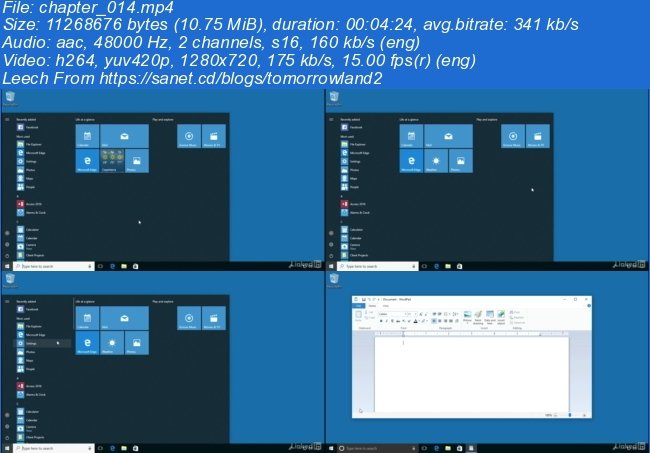
Screenshots
~~~~ Welcome to my Blogs ~~~~
Do not forget to check it every day!
If You should find any files not found, please PM me~ Download Download: Best Software for All
~ Tomorrowland2: Video Training
~ Pluralsight Tutorials: All Pluralsight Videos
~ EbookSA: Best Ebooks
~ Graphic World: Best Graphics
Quick check before we show the links
Helps us keep automated scrapers from hammering the filehosts.