Absolute Beginner’s Guide to Adobe Photoshop Express
This post was published 5 years ago. Download links are most likely obsolete. If that's the case, try asking the uploader to re-upload.

TS | Video: AVC 1280x720 | Audio: AAC 48KHz 2ch | Duration: 1h 8m | 379 MB | Language: English
The third installation of the classes covering the Adobe Mobile CC Suite. This class is perfect for anyone wanting to learn how to photo edit and manipulate - how to create quick and professional social media graphics - or don't have the money to afford the set up the traditional desktop versions require. If you want to learn the basics behind the workspaces, features, and tools in Photoshop Express then you are at the right place. In this class, you'll learn how to maneuver your way around the pages and workspace so you can maximize how long projects take you. Again this class is for absolute beginner's and that means you don't have to know a thing about Photoshop Express to become proficient in it by the end of this class.
1. Introduction
2. Understanding the Workspace
3. Photoshop Camera (in Express)
4. RAW Photo Editing
5. Selective Editing
6. Photo Additions
7. Finishing Touches
8. Collages
9. Full Edit - for Social Media
10. Full Edit - for Photography
11. Class Project
12. Acknowledgments
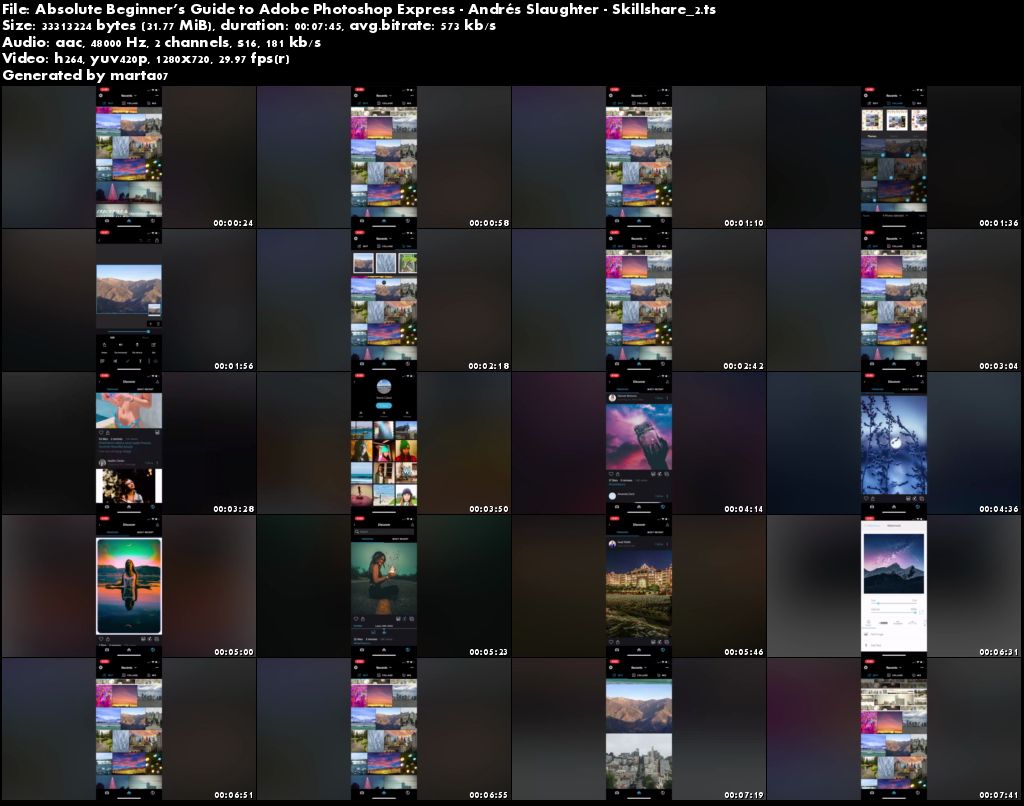
Screenshots
Quick check before we show the links
Helps us keep automated scrapers from hammering the filehosts.