Add Textures to Photos using Procreate
This post was published 5 years ago. Download links are most likely obsolete. If that's the case, try asking the uploader to re-upload.

Duration: 45m | Video: .MP4, 1280x720, 30 fps | Audio: AAC, 44.1kHz, 2ch | Size: 497 MB
Genre: eLearning | Language: English
Photo Texture overlays add so much mood and feeling to even your most mundane photo. Procreate provides all the tools needed to easily create beautifully textured photos from your own photo collection.
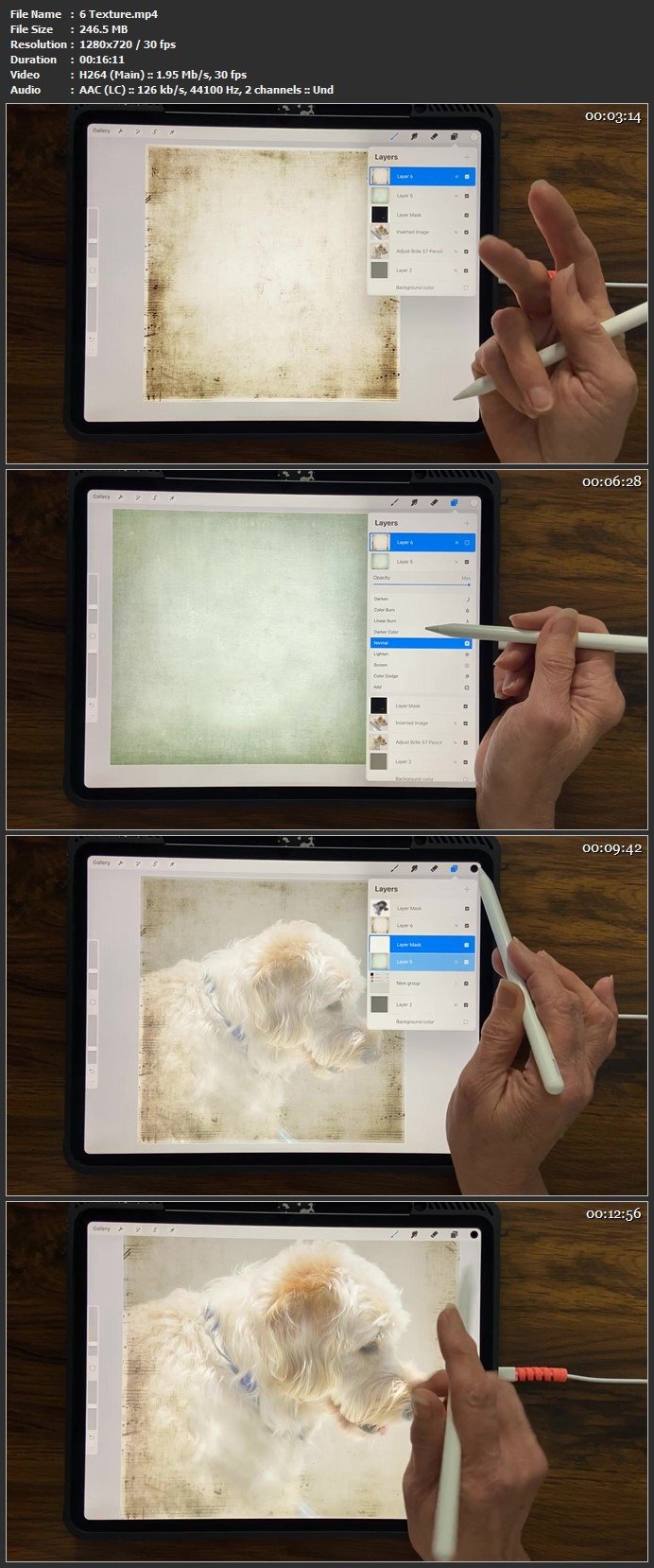
In this class I walk you through my photo texture process using a photo of a dog. I chose that particular dog photo so I could, also, share a quick and affordable background removal process that you may need to use on your photo. Lessons include a video of my before/after travel photos so you can see the possibilities that await your photos.
I equate textures with fonts and brushes...you can never have Enough! If you share that sentiment or love to play with the filter feature on photo apps, than this class is for you.
A basic understanding of layers, tools and blend modes in Procreate (or Photoshop) is assumed for this class. The class is taught using an iPad. Apple Pencil and Procreate app.
Homepage
Screenshots
Quick check before we show the links
Helps us keep automated scrapers from hammering the filehosts.