Get Started with Microsoft Outlook
This post was published 7 years ago. Download links are most likely obsolete. If that's the case, try asking the uploader to re-upload.
Video: .MP4, 1280x720 | Audio: AAC, 44kHz, 2ch | Duration: 2h
Genre: eLearning | Language: English | Size: 420 MB
Master Outlook basics in this easy to follow, step-by-step course with ZERO PREVIOUS EXPERIENCE
What you’ll learn
Learn the basics of Microsoft Outlook (and more!)
Organise Emails with Folders
Work with the Microsoft Calendar - and get yourself organised!
Create and Send Email Messages (with attachments) - so you can send stuff to people!
Manage Tasks and Actions
Manage Microsoft Outlook Contacts
Use the Cc (Carbon Copy) Function
Replying to emails
Forward Emails
Create a Signature
Create a New Contact
Send to Multiple People
Delete Emails
Attach File to Your Emails
Are there any course requirements or prerequisites?
This course is suitable for someone with limited or no knowledge of Microsoft Outlook
Microsoft Outlook 2010 and above
Access to computer/ internet
Pen and paper to take notes
Who this course is for
Someone who has limited or no knowledge of Microsoft Outlook
A business professional who needs to up-skill in Microsoft Outlook
A graduate who needs some skills and competencies to add to their CV/ resume
A person who has been made redundant, had a contract end (or fired) who needs new skills
Someone who is preparing to return to work after having children
Screenshots
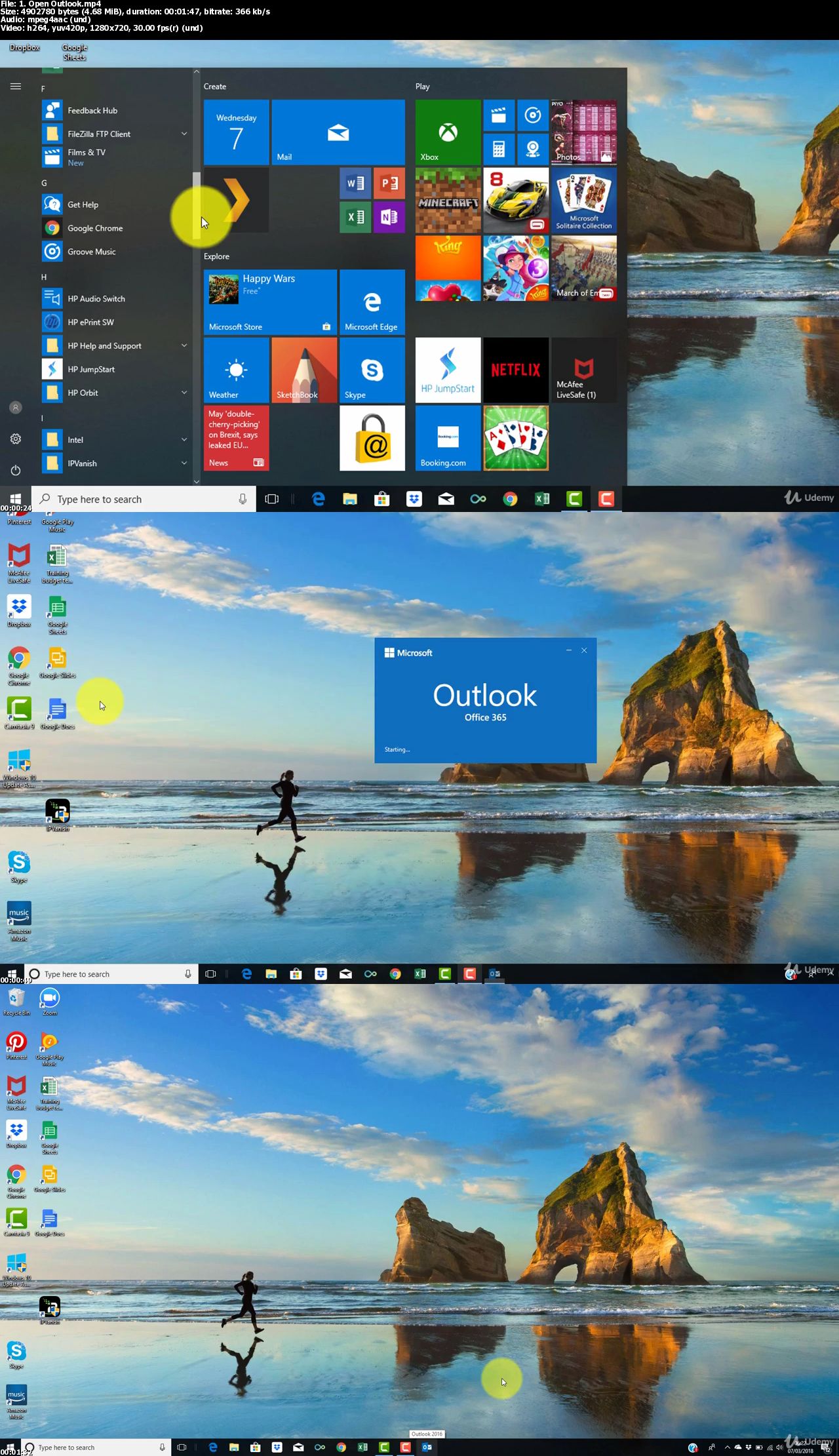
Please check my blog to get more stuff every day!Newest course ==>> Training for all <<== Newest course
Huge book blog ====>> Books <<==== Huge book blog
Latest OS ===>> Share for Progressive <<=== Latest OS
Best Graphics ===>> GraphicsNo1 <<=== Best Graphics
Quick check before we show the links
Helps us keep automated scrapers from hammering the filehosts.