Microsoft PowerPoint Basics - How to make PowerPoint Presentations
This post was published 6 years ago. Download links are most likely obsolete. If that's the case, try asking the uploader to re-upload.
Video: .MP4, 1920x1080, 25 fps | Audio: AAC, 48 kHz, 2ch | Duration: 12m
Genre: eLearning | Language: English | Size: 104 MB
Welcome to my course! Today I am going to be teaching you the basics of Microsoft PowerPoint.
By the end of this course, you will know how to:
• Open PowerPoint
• Add a title and subtitle
• Change text properties (see Computer Basics course)
• Add transitions
• Add animations
• Create new slides
• Insert text box
• Insert images
• Move objects
• Arrange objects
• Change the design
• Save a PowerPoint presentation
• Run the Slide Show
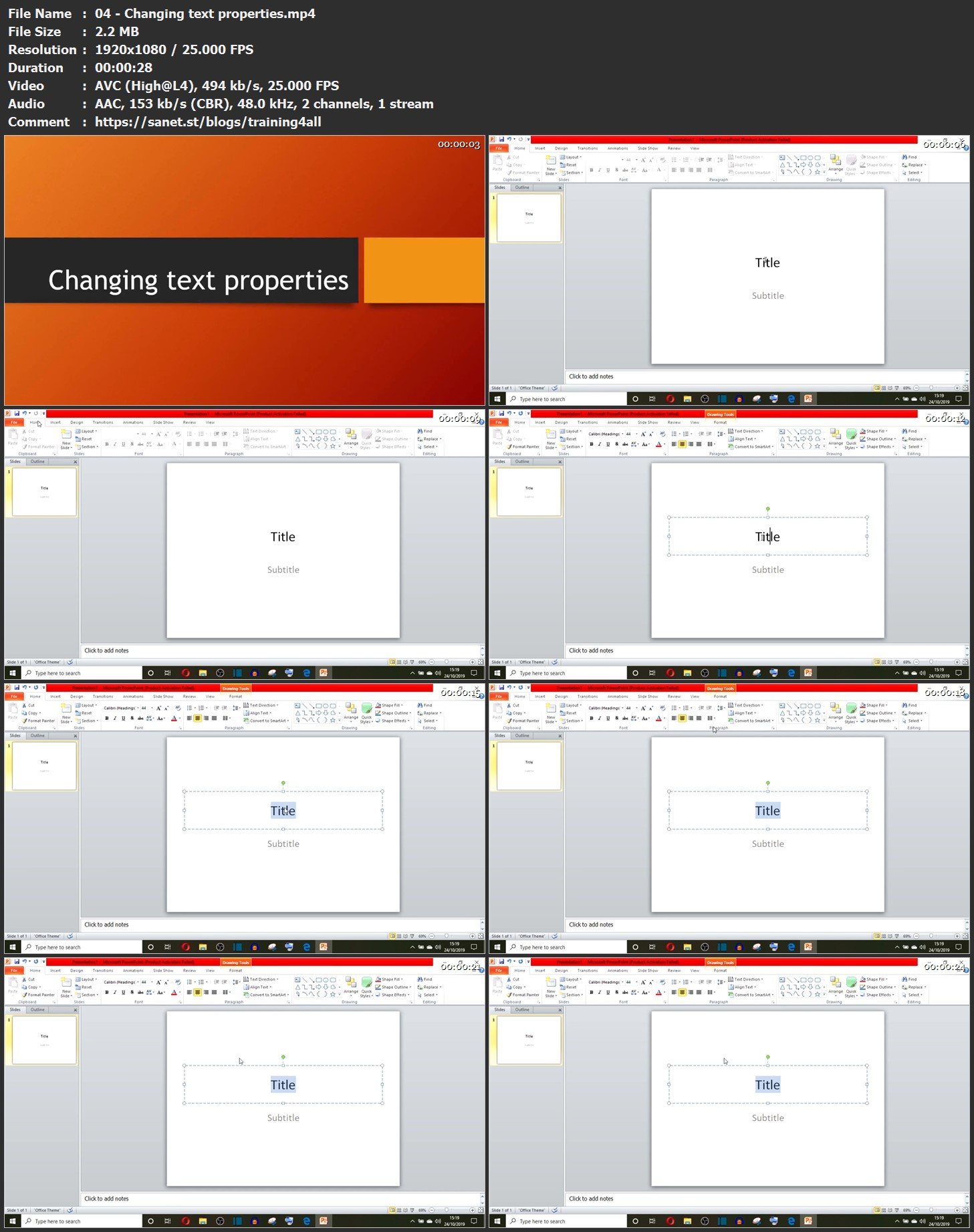
Screenshots
Bookmark my blog to get more stuff every day!
Newest course ==>> Training for all <<== Newest course
Latest OS ===>> Share for Progressive <<=== Latest OS
Huge book blog ====>> Books <<==== Huge book blog
Quick check before we show the links
Helps us keep automated scrapers from hammering the filehosts.