Learn VLOOKUP in Excel and get noticed!!
This post was published 6 years ago. Download links are most likely obsolete. If that's the case, try asking the uploader to re-upload.

Video: .MP4, 1920x1080, 30 fps | Audio: AAC, 44.1 kHz, 2ch | Duration: 30m
Genre: eLearning | Language: English | Size: 192 MB
In this class, we will be taking a look at the VLOOKUP function in Excel.
VLOOKUP is one of Excel's most used functions (just after maybe Autosum and a few other date functions). It is a lookup/ search function.
VLOOKUP can be used to:
1. Find if values exist
2. Comparison
3. Linking multiple datasets
In this course, you will grasp the structure of the lookup function and through multiple practical examples, covering most use cases, you will become a master in using the function (and maybe impress your boss ;))
I hope you find this topic useful. See you in the lessons.
You can also use the attached project file to follow along or practice later.
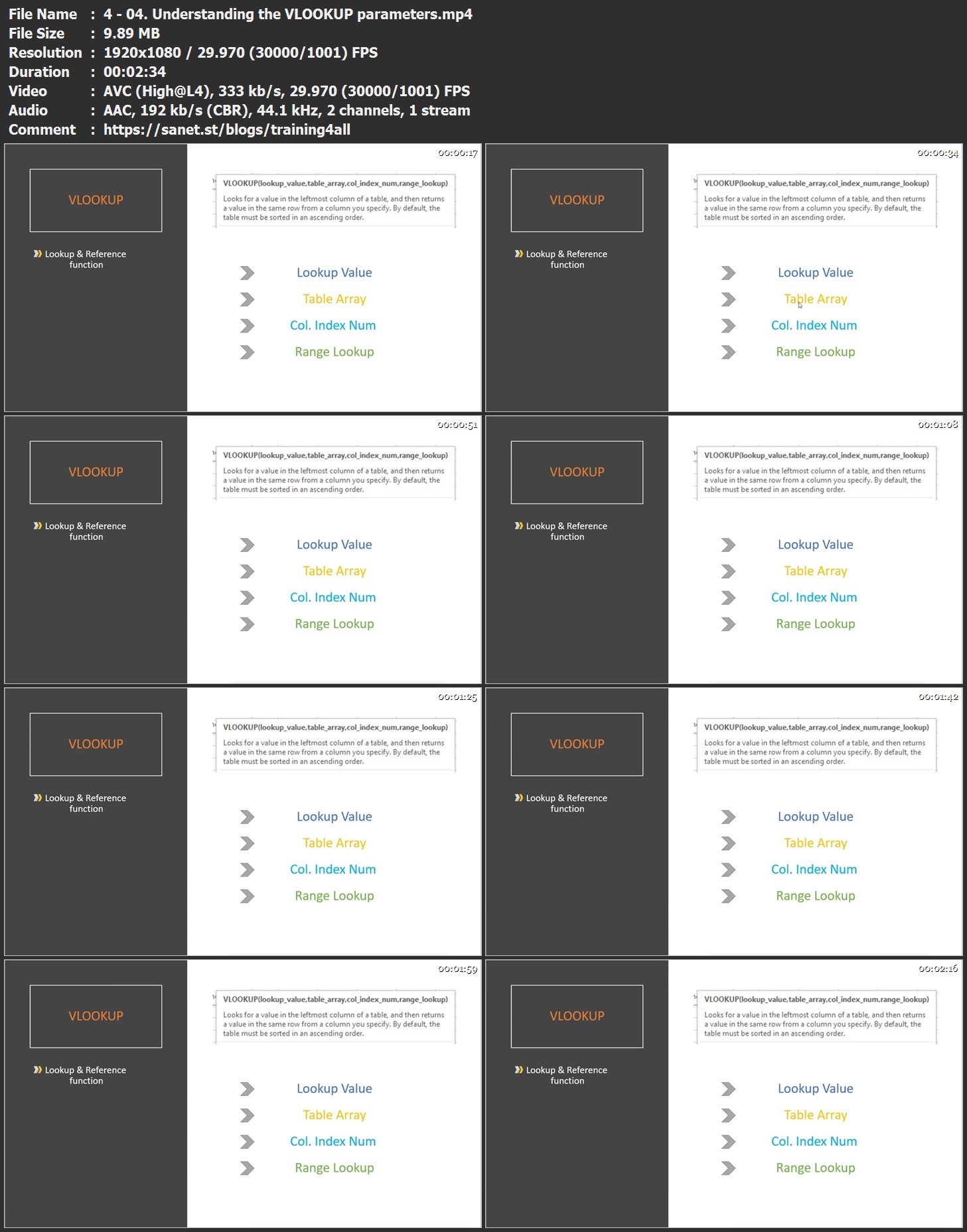
Screenshots
Bookmark my blog to get more stuff every day!
Newest course ==>> Training for all <<== Newest course
Latest OS ===>> Share for Progressive <<=== Latest OS
Huge book blog ====>> Books <<==== Huge book blog
Quick check before we show the links
Helps us keep automated scrapers from hammering the filehosts.