How to build a Helpdesk ticketing system in SharePoint
Published 3/2026
Created by Coach Kam
MP4 | Video: h264, 1280x720 | Audio: AAC, 44.1 KHz, 2 Ch
Level: All Levels | Genre: eLearning | Language: English | Duration: 13 Lectures ( 1h 28m ) | Size: 885 MB
This course teaches you how to build a complete helpdesk system using the Microsoft 365 tools at zero additional cost
What you'll learn
✓ Design and automate end-to-end workflows using Microsoft Forms, Power Automate, and SharePoint to streamline ticketing, submissions, and approvals
✓ Build a fully functional internal ticketing system from scratch, including data capture, automated notifications, and user-friendly interface
✓ Configure SharePoint lists and Power Automate flows to manage requests, escalate issues, and maintain complete audit trails
✓ Develop, test, and deploy automation solutions that reduce manual workload, improve team efficiency, and can scale within any Microsoft 365 environment
Requirements
● A Microsoft 365 account (Business Basic, Business Standard, A1/A3/A5, E1/E3/E5 — any plan that includes SharePoint, Forms, and Power Automate)
● Basic computer skills and confidence navigating web-based tools
● Access to SharePoint admin or permission to create lists/sites (most learners can request this from IT if needed)
Description
This course teaches you how to build a complete helpdesk and query management system using the Microsoft 365 tools you already have — at zero additional cost. Even if you’re new to automation, you’ll learn step by step how to create forms, build a central ticket tracker, set up automated workflows, and turn your everyday Microsoft apps into a practical support solution your team can rely on.
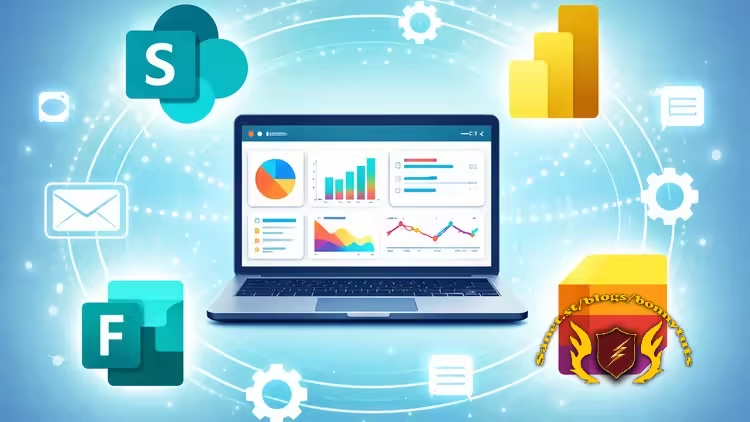
In this hands-on, project-based course, you’ll learn how to connect SharePoint, Microsoft Forms, Excel, Power Automate, and Power BI into a fully functional request-tracking system suitable for businesses, schools, and teams of any size.
You will build
• A SharePoint ticket tracker
• A Microsoft Form for capturing user queries
• An automation engine in Power Automate
• An Excel reporting layer
• An optional Power BI dashboard for insights
By the end, you’ll have your own customised helpdesk system — ready to deploy to your team — and the skills to expand, automate, and enhance it as your organisation grows. This course is designed for beginners and improvers alike, with step-by-step guidance, practical exercises, and clear explanations that leave no one behind.
Whether you're looking to reduce manual work, introduce automation into your role, or provide structured visibility across your team, this course gives you a real, working solution — not theory.
You’ll walk away with a professional system, practical experience, and the confidence to build more automated workflows in the future.
Who this course is for
■ Business owners, managers, or team leads who want to streamline internal queries and reduce inbox overload
■ Operations and administrative professionals responsible for managing requests, tracking tasks, or coordinating support
■ IT staff or M365 admins who want to deploy a lightweight helpdesk without buying additional software
■ Educators and school support teams using Microsoft 365 A1/A3/A5 licences
■ Anyone new to automation who wants to learn Power Automate through a practical, real-world project
■ Professionals looking to upskill in workflow automation, Microsoft 365, and business process improvement
Welcome to My Blog - Check it Every Days
If you have any troubles with downloading, PM me
Please Buy Premium Account from my links to get high download speed and support me
Happy Learning!!
Quick check before we show the links
Helps us keep automated scrapers from hammering the filehosts.