Learning Boris Continuum
This post was published 7 years ago. Download links are most likely obsolete. If that's the case, try asking the uploader to re-upload.
MP4 | Video: h264, 1280x720 | Audio: AAC, 48 KHz, 2 Ch
Genre: eLearning | Language: English + .SRT
Level: Beginner | Duration: 1h 48m | 308 MB
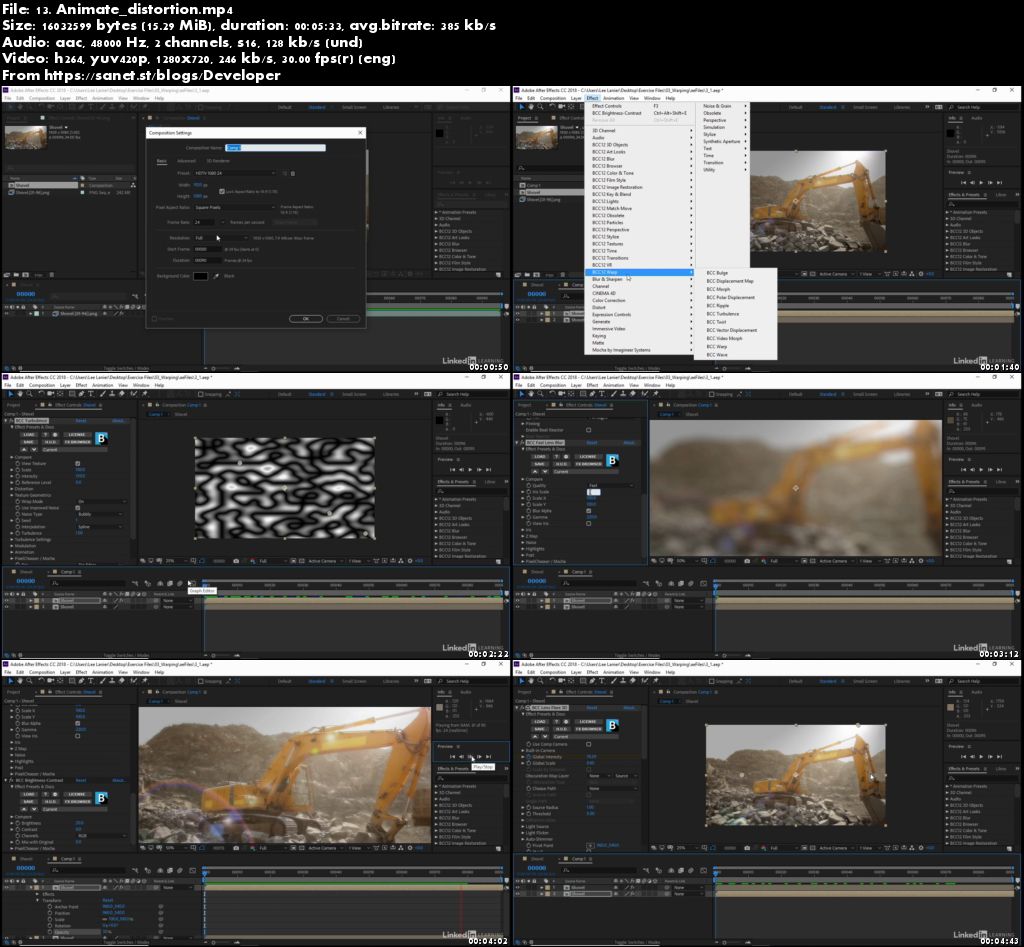
Boris Continuum is a comprehensive effects package that allows you to access an array of features and effects, including the ability to restore footage, generate 2D and extruded 3D text, create professional broadcast titles, and achieve striking compositing results in several different host applications. This course focuses on using Boris Continuum with After Effects, and provides several compositing techniques that you can use to make your projects look great. To begin, VFX expert Lee Lanier shows how to apply stylistic effects, explaining how to work with the PixelChooser and Boris light effects. He then shares how to color grade and warp footage, key with Primatte Studio, add particles with Particle Illusion, work with 3D text, and more. Plus, learn about some of the new features available in Boris Continuum 12.
Topics include
Working with common Boris controls
Applying stylistic effects
Relighting with Boris light effects
Adjusting colors and color grading
Warping footage
Keying greenscreen with Primatte Studio
Motion tracking
Adding particles with Particle Illusion
Working with 3D text and VR
Screenshots
Quick check before we show the links
Helps us keep automated scrapers from hammering the filehosts.