Access 2019: Macros
This post was published 7 years ago. Download links are most likely obsolete. If that's the case, try asking the uploader to re-upload.
MP4 | Video: h264, 1280x720 | Audio: AAC, 48 KHz, 2 Ch
Genre: eLearning | Language: English + .SRT | + Exercise Files
Level: Intermediate | Duration: 1h 9m | 215 MB
Macros are a great tool for developers who want to add functionality and interactivity to Access databases, without writing any additional code. With macros, you can take a list of time-consuming processes, such as launching a series of reports at startup, and run them automatically. This course covers how to build macros from the Access Actions catalog, adjust the execution and flow of macros with conditional logic and variables, and string together actions in multi-step sequences. Instructor Adam Wilbert also dives into macro security and show how to debug macros, gracefully handle noncritical errors, and leverage data macros to perform actions—such as logging and validation—when table data is changed.
Topics include
Creating multi-step macros
Triggering macros
Running macros at startup
Adjusting the execution and flow of macros
Troubleshooting macros
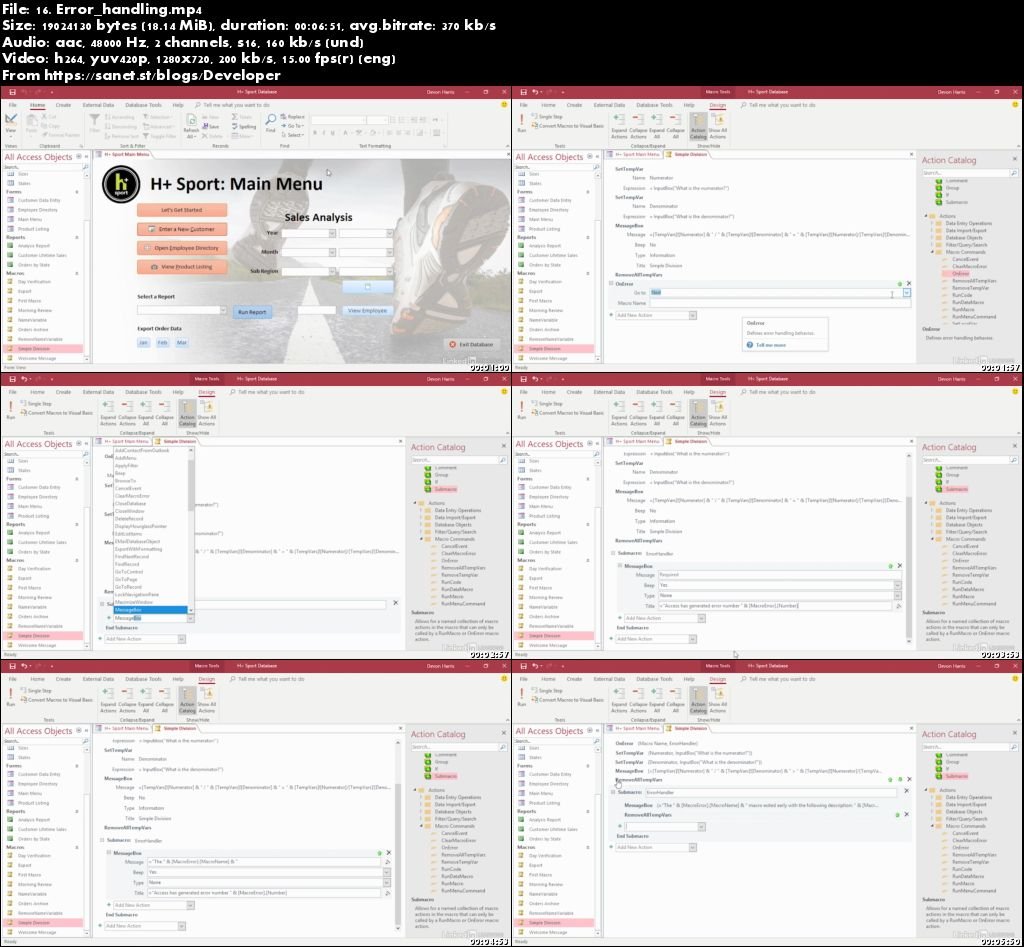
Screenshots
Quick check before we show the links
Helps us keep automated scrapers from hammering the filehosts.